Step 1 : Click this link and follow from the next step or go to the monday.com marketplace and search for the app with “Easy Automate” and install the app by selecting it.
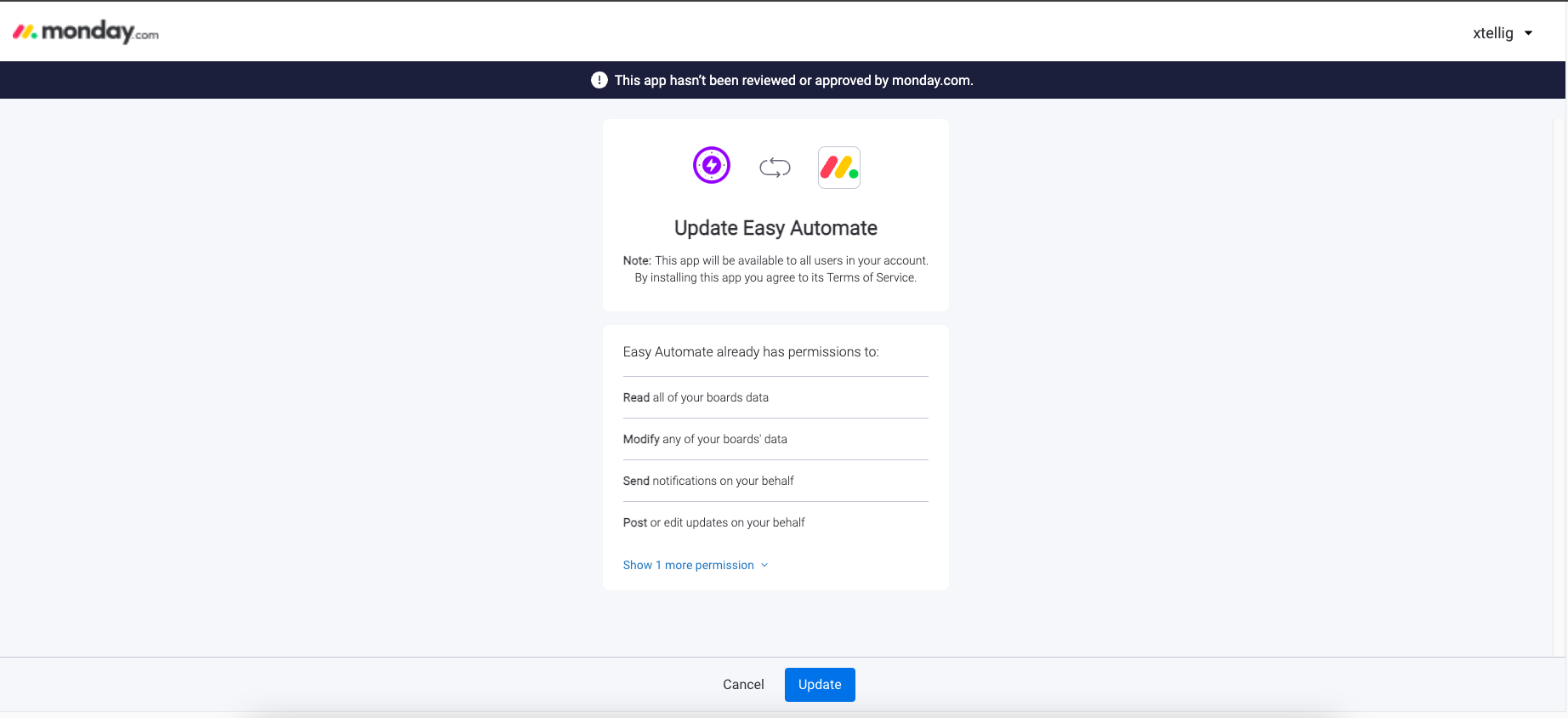
Step 2 : Continue the app installation by clicking the authorize button,
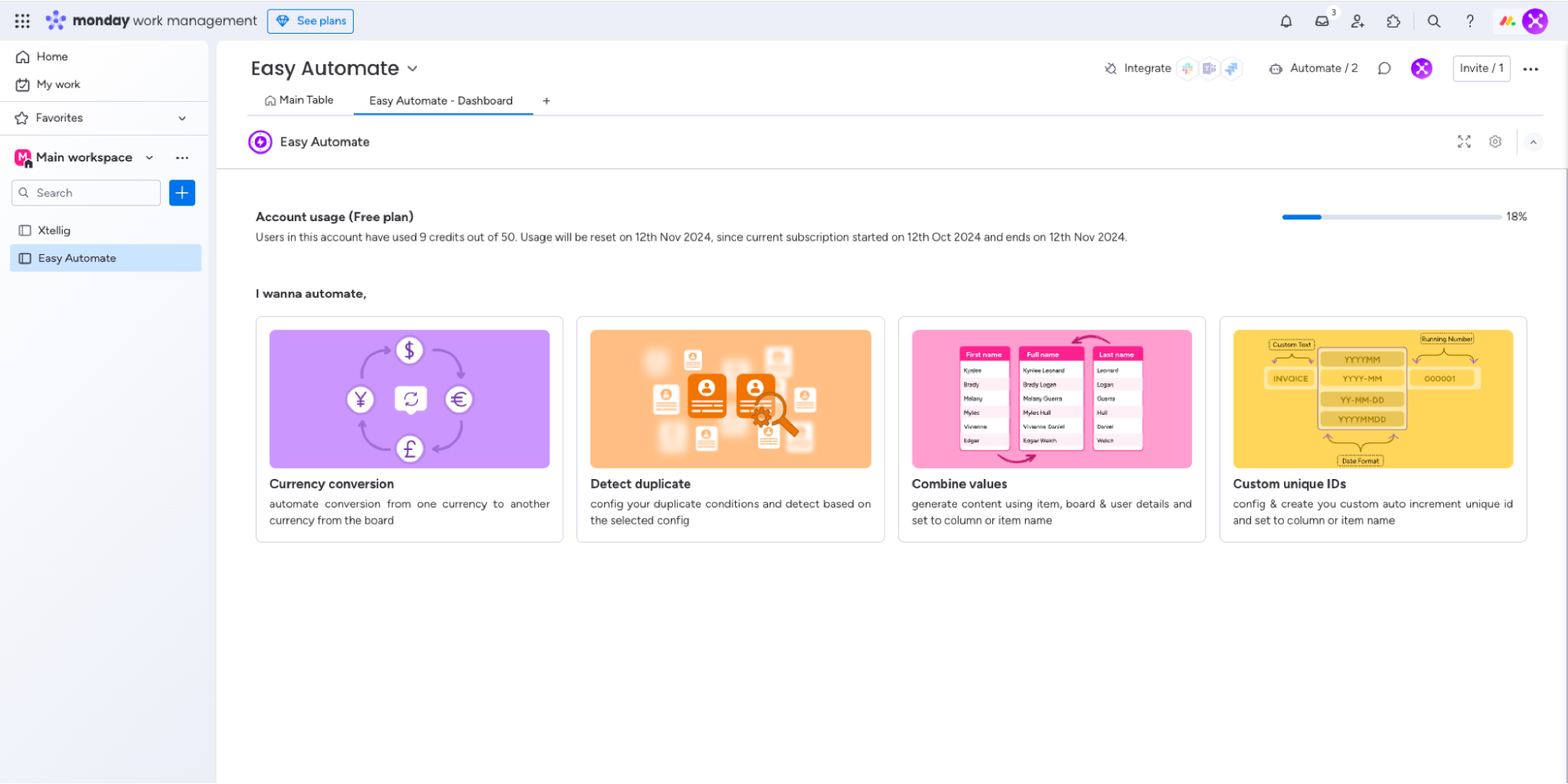
Step 3 : create new dashboard with our app and you can see the starting point as follows,
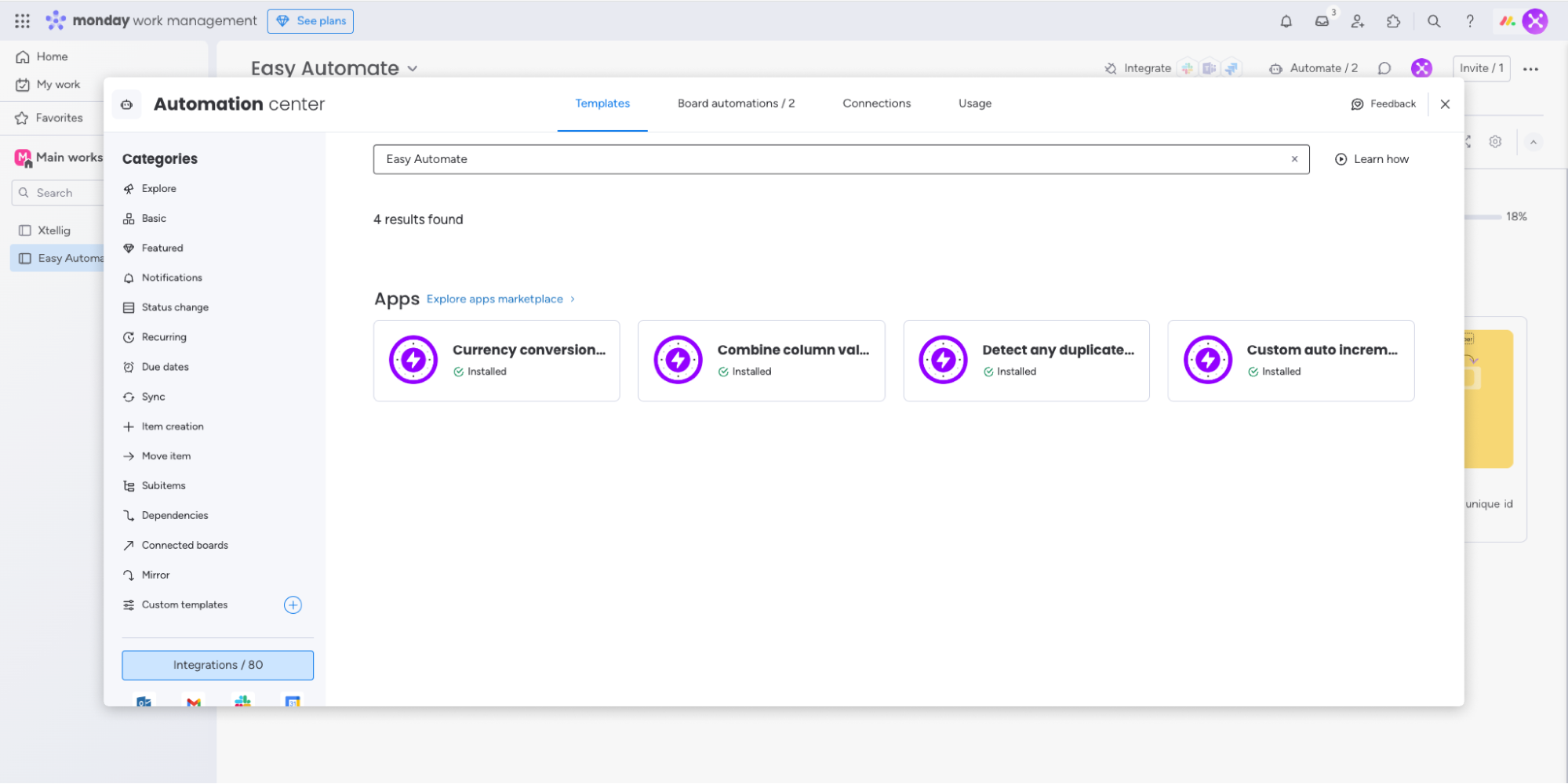
Step 4 : Select the integrate and search for the “Easy Automate” all of the app integration features will be listed as follows and you can create the automation by choosing the right feature,
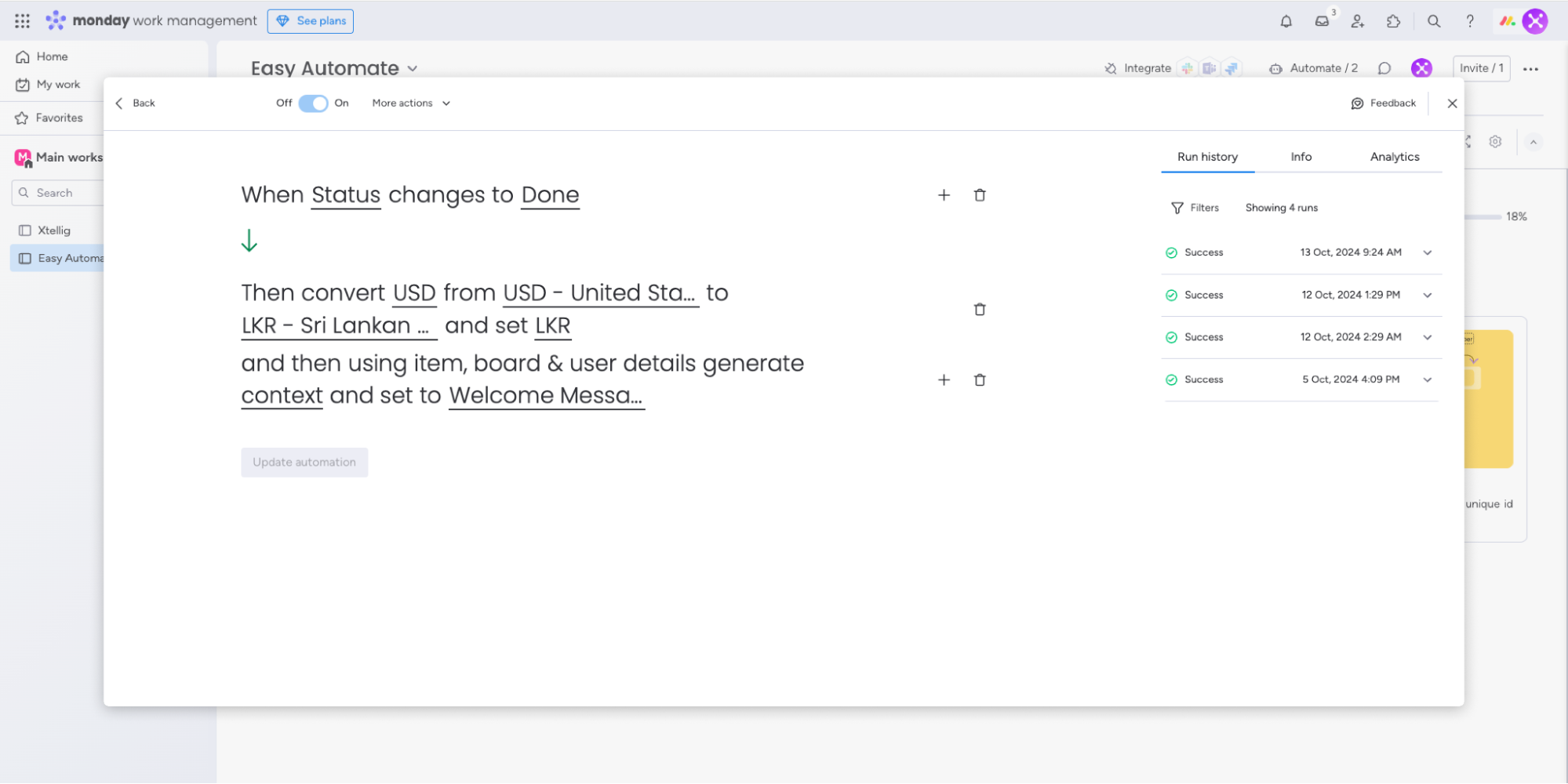
Step 5 : If you don’t see the required trigger from the automation, you can create the custom automation by choosing the trigger and the action from the app as follows,
Stay tuned for more features and updates!